Skip to content

THE PRODUCTION PROCESS

A spark of an idea.
A story in motion.

From your first line to the final frame. A guided desktop workflow, with room to review, refine, and make every decision yours.

Your direction. Every step of the way.

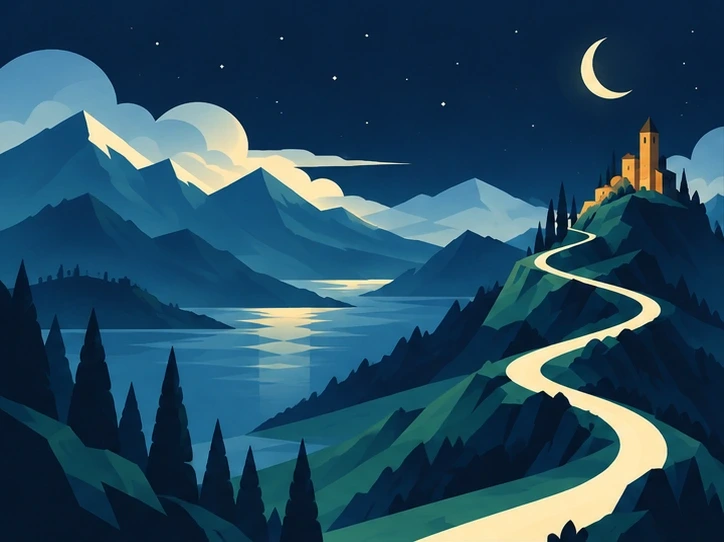
Illustrated winding path through an alpine valley toward a hillside castle THE QUIET PLACES / EXAMPLE PROJECT
FROM POSSIBILITY TO PRODUCTIONEvery story starts
with a first step.
Write Create Share
01

SET THE DIRECTION

Choose what you want to make.

On desktop, choose a story, ranking, music video, or Motion project. Set the video format and visual direction.

Your starting pointFormat, style & production
PROJECT DIRECTION
FormatLandscape · 16:9
Visual styleEditorial illustration
ProductionNarrated story

Set the direction Illustrative preview
02

WRITE & REFINE

Find the story.

Write a script yourself or generate a draft from your topic. Refine it before moving forward.

A script with directionDraft, refine & review
SCRIPT / DRAFT

Some stories begin
when we slow down.

A quieter rhythm. A different perspective.
A little room to see what’s around us.
Write. Refine. Review.

Write & refine Illustrative preview

03

PLAN THE SCENES

See the story take shape.

Generate a storyboard with scene timing, narration, and visual prompts. Review the plan and adjust individual scenes.

A scene-by-scene planPrompts, narration & timing
A PLAN FOR EACH SCENE
Original illustrative valley artworkSCENE 01 · 00:08A slower world

Visual prompt, narration, and timing

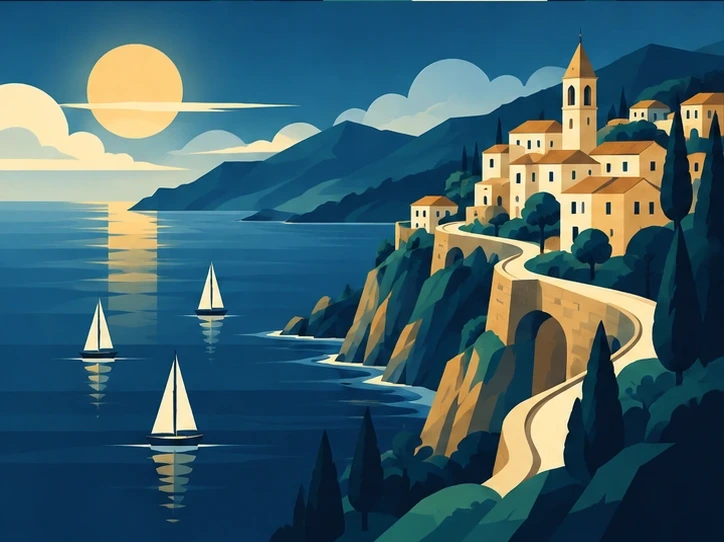
Original illustrative coast artworkSCENE 02 · 00:08Beyond the shoreline

Visual prompt, narration, and timing

Original illustrative orbit artworkSCENE 03 · 00:08A new perspective

Visual prompt, narration, and timing

Plan the scenes Illustrative preview

04

GENERATE VISUALS

Build your visual world.

Generate images, clips, or animated scenes from your storyboard. Use optional Visual Bible references to guide the look, or add your own media.

Visuals that fit the storyGenerate or upload media
Original illustrative orbit artwork Generate visuals
Images VideoManaged AI generation

Describe the scene. Generate. Refine.

Generate visuals Illustrative preview

05

RECORD THE STORY

Give every line a voice.

Generate narration or upload a recording. For music videos, add your song and review lyric timing before styling captions.

A voice with characterNarration & delivery
NARRATION / SCENE 01A voice for your story.
“Some stories begin
when we slow down.”
Voice & deliveryRecording & timing

Record the story Illustrative preview

06

LAYER THE DETAILS

Set the mood.

Add music, sound effects, transitions, and overlays. Shape captions, motion, and scene appearance with the studio’s finishing tools.

The finishing touchesSound, captions & motion
Original illustrative coast artworkA quieter rhythm.
Music Transitions Overlays

Layer the details Illustrative preview

07

EDIT & PREVIEW

Make the cut.

Trim, reorder, and refine on the timeline. Balance audio tracks and review the complete sequence in the monitor.

A cut you can refineScenes, tracks & timing
Original illustrative valley artwork Preview your choices
SCENES · SOUND · TIMING
01 · Valley02 · Coast03 · Orbit
Music & effects

Edit & preview Illustrative preview

08

PREVIEW & EXPORT

Ready to share.

Render your finished MP4 and download it with any available subtitles and thumbnail. On mobile, watch your projects, download files, and manage your account.

Ready to shareMP4, captions & project archive
Original illustrative valley artwork The final cut
The quiet places.mp416:9 · Video, narration & sound Review, render, download.

Preview & export Illustrative preview

ROOM FOR YOUR CREATIVE PROCESS

A clear path.
Your own pace.

Browse all FAQs
Do I keep creative control?

Yes. Review the script and storyboard, edit prompts and narration, modify or regenerate individual scenes, add your own media, and adjust the timeline. The Visual Bible is optional; its references guide future generations without an approval step.

Do I need an AI API key?

No. Managed generation works through your Video Studio account, with models handled for you. Supported personal API keys are optional and billed directly by their provider. Those requests do not use managed AI credits; membership production limits still apply.

What can I export?

Download a finished MP4, an available thumbnail, timed subtitles as an SRT file, or a project archive. Downloads are available on desktop and mobile. Your plan determines rendering allowances and maximum video length.

TAKE THE FIRST STEP

Your next story
starts with you.

Bring an idea. Give it a direction. Make the final cut yours.

Get startedExplore the tools